
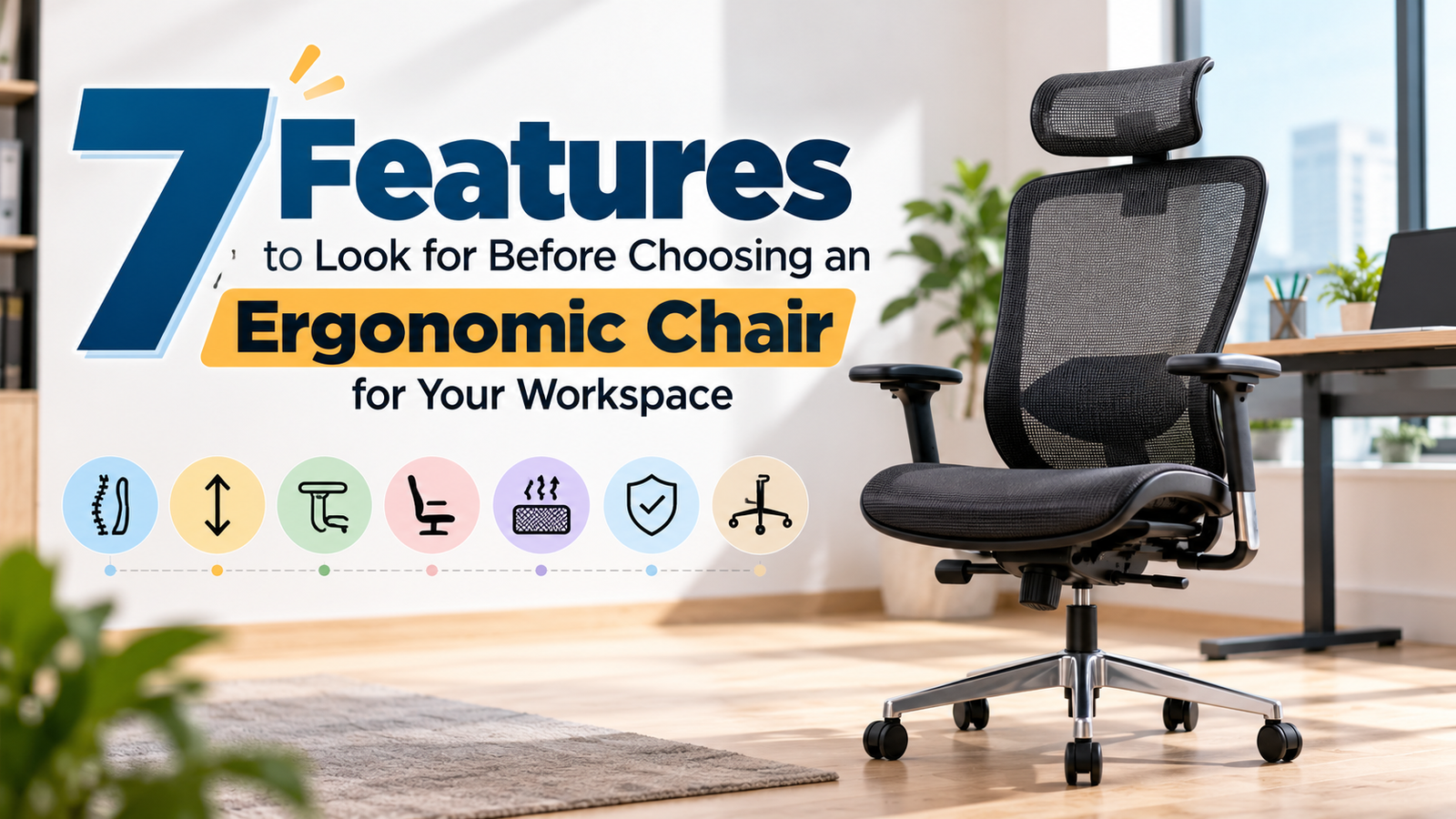
7 Features to Look for Before Choosing an Ergonomic Chair for Your Workspace
If your back starts complaining by mid-afternoon, your chair is usually the first suspect. Most office workers sit for six to ten hours a day, and a seat that doesn’t suit your body quietly piles strain onto your lower back, neck and shoulders. Still, plenty of buyers pick a chair from a photo and a price tag.
This guide is for anyone about to spend real money on a work chair, whether that’s a home desk, a small office or a fit-out for a whole team. Below are seven features worth checking, what each one does for your body, and the mistakes we see buyers repeat. If you’d like a longer walkthrough on how to choose the right chair for long working days, we’ve covered that separately.
Why the Right Chair Matters More Than You Think
Sitting isn’t harmful in itself. The trouble starts when you hold one fixed position for hours with weak support. Muscles tire, the natural curve of your spine flattens, and you slouch without noticing. After a few weeks that can show up as stiffness, lower back pain, tight hips and a sore neck from leaning towards the screen.
Workplace safety bodies such as OSHA publish seating guidance that keeps coming back to one idea: adjustability. No single posture suits everyone, and no posture suits anyone all day. A well-designed ergonomic chair doesn’t lock you into one “perfect” position. It supports you while you change position, which is what a real working day demands.
1. Adjustable Seat Height
This is the first thing to check, and it’s the easiest to get wrong. Your feet should rest flat on the floor, with your knees roughly level with your hips and your thighs close to parallel with the ground. If your feet dangle, pressure builds behind your thighs. If your knees sit higher than your hips, your lower back rounds out.
Look for a pneumatic lever with a wide height range; roughly 16 to 21 inches from floor to seat is common. Taller users should check that the chair still reaches a comfortable height at the top end, and shorter users should check the low end. If your desk is fixed and you can’t lower it, a footrest closes the gap.
2. Lumbar Support That Fits Your Back
Your lower spine curves inward, and a chair should respect that curve rather than flatten it. A good lumbar zone sits around belt level and fills the gap between your back and the backrest. Without it, you slump, and the load shifts onto the discs and muscles of your lower back.
Fixed lumbar shaping works only if the shape happens to match you. Adjustable lumbar, which moves up and down or in and out, suits far more body types. When you test, sit all the way back and notice whether the support pushes you forward or gently holds you. It should feel like a hand resting there, not a fist.
3. Seat Depth and Width
If the seat is too deep, the front edge presses behind your knees and you perch forward, away from the backrest. Too shallow, and your thighs go unsupported. A simple rule: leave about two to four fingers of space between the seat edge and the back of your knee.
A sliding seat is a useful extra, especially if more than one person uses the chair. Width matters too. You should be able to sit without feeling squeezed and shift position without bumping the sides. A gently rounded “waterfall” front edge also eases pressure on the legs.
4. Backrest Height and Recline
Mid-back chairs support the lower and middle spine, which suits shorter desk sessions. For long days, a high back that reaches your shoulder blades, or one with a headrest, lets you lean back and rest your upper body between tasks. Our guide to executive office chairs covers the high-back range in more detail.
Then check the tilt. A synchronised tilt mechanism moves the seat and backrest together, so you can recline without your feet lifting off the floor. Look for tension control so the chair responds to your weight, and a lock so it holds a position when you want it still. Leaning back now and then takes load off the spine, so a chair that makes it effortless is worth more than one that merely reclines.
5. Adjustable Armrests
Armrests look like a luxury until you’ve typed for four hours without them. Your arms hang from your shoulders, and unsupported weight pulls the neck and upper back into tension. The goal is for your elbows to sit near a 90-degree angle with your shoulders relaxed, not shrugged.
Height-adjustable arms are the minimum. Arms that also move inward and outward, or pivot, are better because they follow how you actually work. Check that they slide under your desk, too. Armrests that hit the desk edge leave you sitting too far back, which undoes the lumbar support you just paid for.
6. Breathable Material and Quality Cushioning
Comfort over eight hours depends on heat as much as shape. In a city with long, hot summers, such as Delhi, a chair that traps heat becomes unbearable fast. Mesh backs let air through and stay cooler. Fabric balances comfort and warmth. Leather and PU look sharp, which is why many people choose them for cabins and reception areas, but they run warmer.
Press the seat. High-density moulded foam springs back and keeps its shape for years. Cheap foam feels soft in the showroom and flattens within months. Run your hand over the stitching and edges, and check the mesh for sagging. If you’re comparing office chairs in Delhi locally, ask what foam density and fabric grade each model uses.
7. Build Quality, Base and Warranty
A chair can have every adjustment and still fail within a year if the build is weak. Start from the ground up. A five-point base in strong nylon or metal is the standard for stability, and the castors should suit your floor: soft ones for hard flooring, harder ones for carpet. Ask about weight capacity and whether the gas lift is certified. Testing to recognised standards such as BIFMA is a good sign, though not every maker lists it.
Then read the warranty and ask who handles repairs. A warranty is only useful if the seller answers the phone later. You can browse our full office chair collection to compare builds side by side, or contact our team if you want a recommendation for your desk and budget.
How to Test a Chair Before You Commit
Specs on a page tell you very little. Sit in the chair for at least ten to fifteen minutes, ideally at a desk of similar height to yours, and run through this list:
- Set the seat height first, then check your feet, knees and thighs.
- Sit back fully and see where the lumbar support lands.
- Check the gap behind your knees.
- Recline, lock and release the tilt.
- Move the armrests to elbow height and slide in under a desk.
If you can’t test in person, ask about a trial or return policy before paying. A good ergonomic chair should feel natural within the first few minutes, not like something you have to get used to.
Common Mistakes to Avoid
Buying for looks is the big one. A chair sits in your workspace all day, so style matters, but it shouldn’t beat fit. Other common slips: assuming one size suits everyone, ignoring your desk height, choosing purely on the lowest price, and skipping a trial. Cheap chairs often need replacing early, which makes them costlier in the end.
It isn’t only about personal comfort, either. Good seating improves employee productivity because comfortable people tend to stay focused longer and spend less time shifting around to ease aches.
Frequently Asked Questions
How much should I spend on an ergonomic chair?
There’s no single number, but the cheapest option rarely lasts. Work out how many hours you sit each day, then spend more on the features you’ll use most: lumbar support, seat adjustability and build quality. A chair used for eight hours daily deserves a bigger share of your budget than one used for occasional work.
Is a mesh chair better than a cushioned one?
Neither wins everywhere. Mesh suits hot climates and long hours, while a cushioned seat suits people who like softer support.
Final Thoughts
Choosing the right ergonomic chair comes down to fit, adjustability and build. Check the seven features above, test properly, and ask about warranty and service before you pay. Your back will notice the difference well before the year is out.
If you’d like help narrowing down options, the Seat King team is happy to talk through your workspace and requirements.
- 7 Features to Look for Before Choosing an Ergonomic Chair for Your Workspace October 30, 2026
- How to Select the Right Furniture for Different Office Departments October 15, 2026
- How to Design a Luxury Corporate Workspace That Impresses Every Client October 9, 2026
- Best Office Chairs in Delhi for Long Working Hours September 29, 2026
- Buy Office Furniture in Delhi: Essential Tips for Businesses September 18, 2026

Seatking is one of India’s leading office furniture companies, catering to diverse sectors such as government enterprises, public sector units, banks, corporate offices, and institutions.
COPYRIGHT 2025 © SEATKING. ALL RIGHTS RESERVED.